Introduction
In the evolving world of digital content, repurposing has become an essential strategy for maximizing reach and boosting engagement. Written content such as blog posts, articles, and web pages often holds valuable insights, but in a landscape dominated by video consumption, text alone may not fully reach audiences. Video captivates viewers, enhances retention, and makes ideas more digestible — especially on social platforms where attention spans are short and visual storytelling reigns supreme.
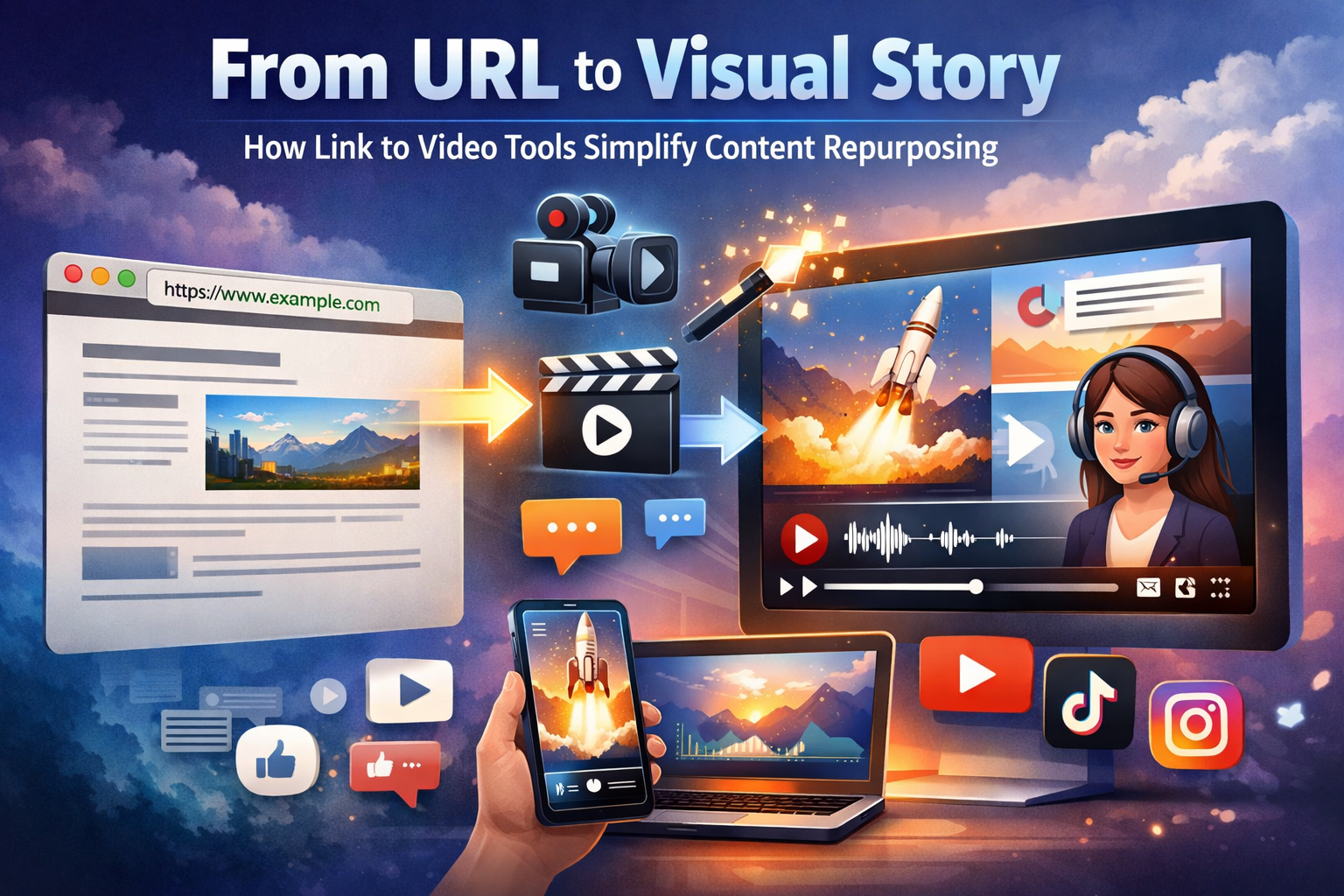
However, traditional video production can be resource-intensive, requiring scripting, filming, editing, and motion graphics — processes that demand time, technical expertise, and manpower. Recognizing this challenge, innovators have developed link to video tools — intelligent systems that convert a web page or URL into a complete video automatically. These tools analyze the content of a webpage, extract key points, structure a narrative flow, and combine visuals, motion, and audio elements to deliver a ready-to-share video without manual editing.
Unlocking this capability empowers content teams, educators, businesses, and solo creators to transform existing content into engaging videos with ease. In this blog, we explore how link to video tools simplify content repurposing and detail five reliable platforms — starting with invideo — that help bring written content to life. Each tool is outlined in a consistent format so you can evaluate which best suits your workflow and goals.
Why Link to Video Tools Are Central to Content Repurposing
Meet Audiences Where They Are
Video content continues to outperform text in user engagement metrics. People absorb visual information faster, remember it longer, and are more likely to interact with shareable video content on platforms like YouTube, Instagram, LinkedIn, and TikTok. Turning written content into videos allows brands to extend the reach of their ideas beyond static formats.
Extend the Lifespan of Written Assets
High-quality blog posts or articles require significant effort and expertise. Link to video tools unlock new life for these assets by converting them into videos that appeal to different audience segments and deliver value in fresh formats.
Save Time and Resources
Creating videos manually often involves multiple steps — from script writing and storyboarding to shooting and post-production editing. Link to video tools automate this entire workflow by extracting the essence of the content and generating a conversational, engaging video within minutes.
Improve SEO and Social Visibility
Videos are indexed by search engines and frequently prioritized in search results and social feeds. Repurposing blog content into video formats boosts search visibility and provides additional real estate across platforms.
1. Invideo
Invideo is a robust link to video tool designed to help creators transform written web content into engaging videos with minimal effort. Users can input a blog URL or webpage, and invideo’s AI processes the text to extract key themes, structure visual sections, and generate a coherent video narrative. The platform intelligently organizes content into visual scenes, aligning visuals with the core messages of the original article.
Invideo also offers voice narration, captions, imagery, motion designs, and pacing that reflect the tone of the subject matter. This automation helps users create videos that feel purposeful and professionally produced — without needing deep video editing expertise. Because these videos are built from URLs, content teams can quickly repurpose evergreen and timely posts alike into formats that perform well on social media and video platforms.
What sets invideo apart is its focus on both automation and creative outcomes: videos created from links are more than simple slideshows; they reflect well-structured visual storytelling suited for diverse audiences. This makes invideo a great entry point for businesses and creators who want to maximize the value of their web content without heavy production burdens.
2. Pictory
Pictory is an AI-driven video creation platform that excels at turning long-form content into digestible videos. By analyzing the structure and key takeaways of a URL or text input, Pictory breaks content into scene segments and pairs these with corresponding visuals, motion graphics, and captions that support viewer comprehension.
Pictory’s focus on clarity and pacing makes it ideal for educational content, summaries, and tutorial videos. Its voiceover and caption options further enhance accessibility and viewer engagement — particularly on social platforms where mute playback is common. For creators who want to repurpose blog posts, guides, or articles into narrative videos, Pictory offers an intuitive way to bridge written and visual storytelling.
3. Lumen5
Lumen5 is a content-to-video creation tool that uses AI to interpret the structure and main points of a web page or article. It then suggests visuals, motion transitions, and text positioning that match the tone and pacing of the source content.
Creators can input a URL, and Lumen5’s intelligent processing breaks down the text into key snippets that fit typical video scene durations. While some customization is available, the tool’s core strength is its ability to generate video drafts quickly, making it suitable for social posts, brand explainers, and thought leadership videos. For digital marketers seeking to convert written insights into visual narratives, Lumen5 is a practical choice.
4. Wave.video
Wave.video supports turning URLs into visual stories optimized for different channels. After analyzing the provided link, the tool extracts important messages and assembles them into a structured video narrative with motion scenes, text highlights, and audio enhancements.
The platform’s output prioritizes flexibility, enabling creators to resize videos for platforms ranging from mobile vertical formats to widescreen displays. This adaptability makes Wave.video useful for teams that need to repurpose content across multiple audience touchpoints without recreating each video from scratch. Marketers appreciate this cross-format flexibility for maintaining consistent messaging across video campaigns.
5. Moovly
Moovly provides a versatile environment for converting URLs and written content into narratively structured videos. Its AI analyzes the page content to identify thematic segments and visual opportunities, then builds a video sequence that incorporates motion graphics, synchronized text, and dynamic pacing.
Moovly is designed with storytelling in mind, making it suitable for explainer videos, training narratives, and corporate messaging. Creators can further refine generated outputs to reflect brand colors, typography, and distinct visual identities. For teams that require controlled creative direction alongside automated generation, Moovly blends automation with customization.
How Link to Video Tools Work
While the details vary among platforms, most link to video tools share a common workflow:
- Input a URL: Users paste a webpage link into the tool.
- Content Parsing: The AI parses the text, identifying headings, paragraphs, and key points.
- Narrative Structuring: The tool organizes extracted insights into a logical sequence of scenes or visual segments.
- Visual Generation: Motion, visuals, and synchronized text or voice narration are applied to reflect the core ideas.
- Rendering: The video is rendered and ready for download or direct publishing.
This streamlined workflow replaces manual scripting, editing, and visual editing steps — dramatically reducing production time.
Tips for Effective Content Repurposing With Link to Video Tools
Choose Evergreen or High-Performing Pages
Start repurposing with web pages that already attract traffic, have strong engagement metrics, or carry high value for SEO. Turning these into videos can expand content reach and improve ROI.
Refine Headlines and Section Breaks
Well-structured articles with clear headings and subheadings allow AI tools to create more organized video narratives. Editing your source content for clarity can enhance final video quality.
Add Voiceovers and Captions
Videos perform better when they include voice narration and captions, especially on platforms where audio may be muted by default. Including both elements improves accessibility and engagement.
Optimize for Different Platforms
Different platforms favor distinct video formats and lengths. Consider creating multiple versions — vertical for Reels or Shorts, horizontal for YouTube or websites — to maximize reach.
Review and Customize Outputs
While AI accelerates production, reviewing videos and making small adjustments ensures alignment with brand tone, messaging clarity, and audience expectations.
The Role of Video in Modern Content Strategy
Video content continues to dominate user engagement metrics across platforms. From social media to landing pages, users spend more time with visual content than with text alone. By converting existing written assets into videos, brands can:
- Increase visibility and audience retention
- Improve search rankings (as search engines favor mixed media)
- Deliver complex ideas in a more accessible format
- Expand reach across multiple channels
- Build stronger emotional connections with audiences
Link to video tools bridge the gap between written insights and visual storytelling, making it easier to roll out videos without large budgets, specialized staff, or production delays.
Integrating Visual Storytelling With Broader Workflows
Smart content teams don’t treat link to video tools in isolation. Instead, they integrate these tools into broader digital workflows:
- Blog posts → Explainer videos
- Research reports → Key takeaway summaries
- Product pages → Promo or demo videos
- Educational guides → Narrated lessons
- Case studies → Video walkthroughs
When combined with other video making apps, link to video tools can become a central part of omnichannel content distribution — allowing teams to maintain consistency across mediums and reach users wherever they consume media.
Conclusion
The transition from written content to engaging visual stories used to involve complex production pipelines, steep learning curves, and significant resource investment. Link to video tools have changed that narrative by automating the translation of web pages into compelling videos that perform well on modern platforms. Whether you’re a content marketer, educator, brand strategist, or solo creator, these tools drastically reduce the time and effort required to repurpose valuable content.
Platforms like invideo, Pictory, Lumen5, Wave.video, and Moovly empower creators to breathe new life into existing assets. By embracing link to video workflows, teams can enhance engagement, expand reach, and tell more compelling stories — all while staying efficient and scalable in a digital world that prizes speed, clarity, and visual excellence.