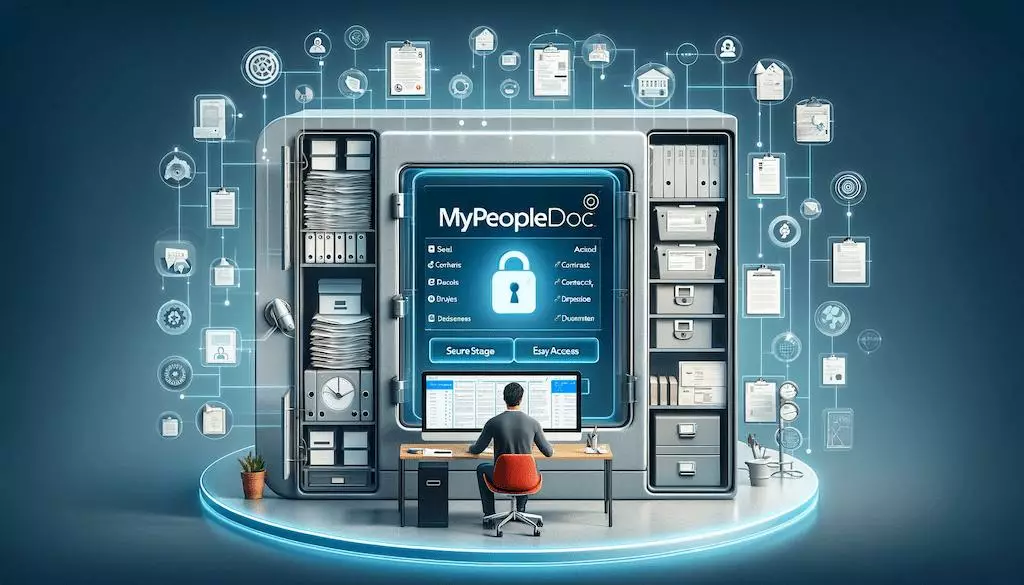
Have you ever lost a paper payslip or a signed work contract? It happens to the best of us. Keeping track of important job papers can be stressful. This is where mypeopledoc comes in to save the day. Think of it as a super-secure, digital filing cabinet that lives online. Your company uses it to send you official documents, and you get to keep them forever. It is simple, safe, and keeps your life organized in one digital spot. In this guide, we will look at how it works and why it is a helpful tool for your career.
What Exactly is Mypeopledoc?
Mypeopledoc is a digital vault designed for your professional life. Instead of getting messy paper files, your employer puts your important papers into your private account. These papers might include your monthly payslips, your job contract, or even your yearly tax forms. Because it is digital, you can see these files whenever you want. You do not need to worry about losing them in a move or a fire. It acts as a permanent storage space that stays with you, even if you change companies.
How to Set Up Your Mypeopledoc Account
Getting started with mypeopledoc is quite easy. First, you will get an invite email from your HR team. Click the link in that email to start your account. It is very important to use a personal email address for this. If you use your work email, you might lose access when you switch jobs. Once you sign up, create a very strong password. You want to make sure only you can open your digital safe. After that, you are ready to go.
Why Security Matters for Your Files
When you store sensitive papers, safety is the number one priority. Mypeopledoc uses bank-level security to keep hackers away from your personal information. It uses something called encryption, which turns your data into a secret code. Even if someone tried to steal your files, they would not be able to read them. Furthermore, the platform offers extra login protection. This means you need a second step, like a code from your phone, to get into your account. This is called two-factor authentication.
How to Organize Your Digital Documents
One of the best things about mypeopledoc is how easy it is to find things. You do not have to search through piles of paper. You can use custom tags to label your files by year or by topic. For example, you could create a tag for “2026 Taxes” or “Employment Contracts.” This way, if you need a paper for a bank loan or a new job, you can find it in just a few seconds. It makes managing your paperwork feel like a breeze.
The Benefit of Lifetime Access
Most work tools disappear when you quit your job, but not this one. Mypeopledoc stays active for your entire career. Your employer pays the fee while you work there, but the account is free for you forever. This is why it is so helpful to keep your personal email updated in the system. Even ten years from now, you can log in to find an old payslip. It is a reliable partner for your professional history that you can always trust.
Sharing Files the Safe Way
Sometimes you need to send a document to a bank or a landlord. You should never send private files through standard email, as it is not always secure. With mypeopledoc, you can share documents safely. You can create a special link that only works for a short time. You can even add a password to the link for extra safety. This ensures that only the person you want to see the file can actually open it. It is a very professional way to share data.
Understanding Electronic Signatures
Did you know you can sign documents inside the app? Yes, mypeopledoc supports electronic signatures. This is great for when your company needs a quick sign-off on a new form. You will get a notification, read the file, and click a button to sign. It is legally recognized and much faster than printing, signing, and scanning paper. You save time, and your HR team gets the paperwork back instantly. It is a win-win for everyone involved.
Biography and Platform Table
To help you understand how this platform fits into your career, look at this table. It breaks down the key facts about using this service.
| Feature | Details |
| Primary Use | Secure storage for HR documents |
| Cost | Free for employees |
| Storage Capacity | 10 GB (plenty for a full career) |
| Access | Web browser and mobile app |
| Security Level | Bank-level encryption & 2FA |
| Availability | Available for life after registration |
Mobile App for On-the-Go Access
If you have a smartphone, you should download the mypeopledoc mobile app. It makes accessing your documents very convenient. You can use your fingerprint or face scan to log in quickly. This means you do not have to type your long password every single time. Whether you are at home or on the bus, you can check your records in seconds. It puts the power of your digital filing cabinet right in your pocket.
Troubleshooting Common Issues
Sometimes you might face small issues, like forgetting your password. Do not panic! You can use the “Forgot Password” link on the login page to reset it. If you are not getting your emails, check your spam or junk folder. Sometimes, the invitation link from your company might expire. If that happens, simply ask your HR person to send you a new one. They are usually very happy to help you get your account running smoothly.
Conclusion
Managing your work documents does not have to be a headache. By using mypeopledoc, you take control of your professional records with ease and confidence. It is a secure, free, and simple tool that protects your data for the long term. Start by setting up your account today and organizing your files. You will thank yourself later when you need that one important paper in a hurry. If you have questions, reach out to your HR team today!
Frequently Asked Questions
1. Is mypeopledoc free for me to use?
Yes, it is completely free for employees. Your company pays the subscription fee for you.
2. Can I keep my account if I leave my company?
Yes! Because it is a personal vault, you keep access to your documents for life.
3. What should I do if I forget my password?
Use the “Forgot Password” link on the login screen to reset it through your personal email.
4. How much space do I get?
You get 10 GB of storage space, which is enough to hold years of important documents.
5. Is my information safe on the platform?
Yes, it uses bank-level encryption and two-factor authentication to keep your data protected.
6. Can I upload my own documents?
Yes, you can upload and organize your own personal files alongside the ones from your employer.